
Topic Clusters vs Keyword Lists: Which Works for Ecommerce?
Topic clusters work better than keyword lists for ecommerce. A cluster links a collection page and its blog posts together so the whole group ranks, while a list alone gives you one-off posts that compete with each other. You still need the list: research the keywords, then group them around the collections that sell.
Topic Clusters vs Keyword Lists at a Glance
| What you’re comparing | Keyword list | Topic cluster |
|---|---|---|
| What it is | A spreadsheet of search terms | A collection page plus 5 to 8 linked posts |
| What it answers | What people search | Which page targets what, and how pages link |
| Internal links | None planned | Planned before writing |
| Risk | Posts that compete with each other | Slower to plan |
| What ranks | A post here and there | The collection page and its posts together |
What a Keyword List Does
A keyword list tells you what people search and roughly how often, and that’s all it does. You export a few hundred terms from a tool, sort by volume, and pick the ones you like. Every term becomes its own post, with no plan for how the posts relate.
That makes a list research, not a strategy. It’s still step one, since you can’t group keywords you haven’t found.
A good list has more than the term and its volume. I add a column for intent, a column for the collection the term belongs to, and a column for the URL that already targets it, if one does. Those three columns are what make the grouping step fast later.
The trouble starts when the list is also the plan. I see it in almost every audit: 40 or 60 posts, each chasing one keyword, most getting zero clicks. Nothing connects them, so Google has no reason to trust the store on any one subject.
If you’re still building the list, start with the keywords that drive sales and not the ones with the biggest volume numbers.
What a Topic Cluster Does
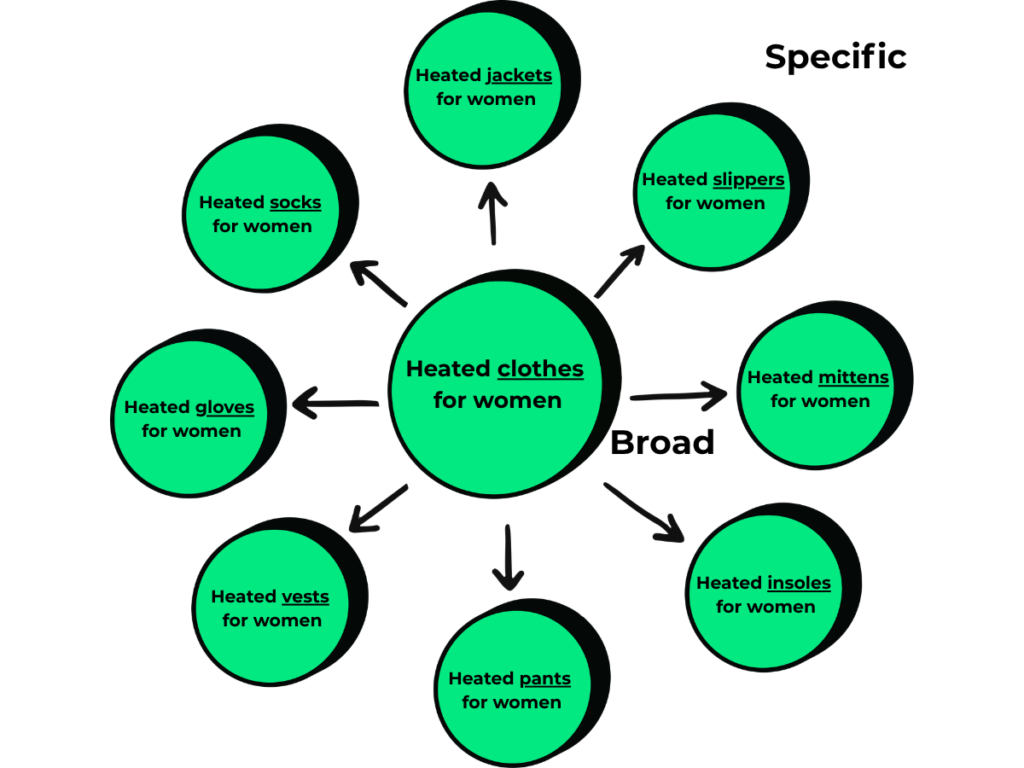
A topic cluster takes that same list and turns it into a linked group of pages built around one page that sells. For a Shopify store the center, or hub, is almost always a collection page. The blog posts around it, the spokes, answer the questions people ask before they buy.
The links are what make it work. Google’s guide to ecommerce site structure says so directly:
“The more links a page has to it within a site, the higher the relative importance of the page to other pages on your site.”
That is from Google’s page on helping it understand your ecommerce site structure, which also suggests linking to best sellers from blog posts. A cluster is that advice done on purpose.
HubSpot tested the same idea years ago. Its topic cluster research found the more internal links it added between related pages, the higher those pages climbed and the more impressions they earned. I walk through the basic model in what topic clusters are.
Topic Clusters vs Keyword Lists for a Shopify Store
Topic clusters beat keyword lists for a Shopify store since collection pages are where the money is, and a list never sends links to them. A seoClarity study of about 30 ecommerce sites found category pages rank for 19% more keywords than product pages and drive 413% more traffic.
A list-only blog does the opposite of feeding those pages. This is what I find on stores that publish straight from a spreadsheet:
- Three posts on “best sunscreen for face,” “top face sunscreens,” and “face sunscreen guide” split one search three ways, and none of them rank.
- Each post links to nothing but the homepage, so it sits alone.
- The collection pages that sell product get no links from the blog, so blog traffic never turns into revenue.
- You pay for 60 posts and get the results of 10.
I’ve also watched the cluster version play out. For Exclusive Beauty Club I built a sunscreen cluster, and its clicks went from 207 one summer to more than 6,000 the next, which you can see in the Exclusive Beauty Club case study. Three tight clusters beat 60 scattered posts.
Topic Clusters vs Keyword Lists for AI Search
Topic clusters beat keyword lists for AI search too: Google’s AI features run one question as many related searches, and a cluster is built to answer all of them. Google calls this query fan-out, where AI Overviews and AI Mode search across subtopics before writing an answer.
Think about what that means for “best mineral sunscreen for sensitive skin.” The AI may also look up white cast, reapplying, and mineral versus chemical. A store with one post has one shot at being a source, and a store with a cluster has five.
A keyword list can’t plan for that, since it treats each term as its own island. The cluster is what lets one topic show up in several of those background searches at once.
What Does a Topic Cluster Look Like on a Real Store?
A topic cluster on a real store is one collection page with 5 to 8 posts around it, all linked. Take a skincare store selling mineral sunscreen. The hub is /collections/mineral-sunscreen, the page that converts and should rank for “mineral sunscreen.”
Around that hub you’d write spokes like these:
| Spoke post | Question it answers |
|---|---|
| Mineral vs Chemical Sunscreen for Sensitive Skin | Which type should I buy? |
| Does Mineral Sunscreen Leave a White Cast? | Will it look bad on me? |
| How Much Sunscreen Should You Put on Your Face? | How do I use it? |
| Can You Wear Sunscreen Under Makeup? | Does it fit my routine? |
| Best Sunscreen for Acne-Prone Skin | Which product is right for my skin? |
Each spoke targets one question and names the products in the collection where they fit. Every spoke links up to the collection with a keyword anchor, and the collection links down to the spokes in its bottom-of-page content.
The spokes also link sideways where it makes sense, so the white cast post points to the makeup post. A reader who lands on any spoke is now two clicks from buying.
The mistake I see most often here is a cluster with no hub link. A store writes the five posts, links them to each other, and forgets the collection. That gives Google five pages that agree with each other and no signal about which page should win the main search.
Do You Need Both a Keyword List and Topic Clusters?
Yes, you need both a keyword list and topic clusters: the list is the raw material and the cluster is what you build from it. A cluster with no research behind it is a guess, and a list with no grouping is a pile.
So don’t throw the list away. Keep it as the place you check before any new post gets written, so you can see which cluster a term belongs to and whether a page already owns it. That one check is how you avoid keyword cannibalization.
Just know the order matters. Research comes first, grouping comes second, and writing comes third. Most stores I audit went research, write, write, write, and that’s the part that costs them.
How Do You Turn a Keyword List Into a Topic Cluster?
You turn a keyword list into a topic cluster by sorting it around your top 3 to 5 collections by revenue, one hub per cluster. Before you write anything new, run a content audit on what exists, so old posts get folded into the new clusters.
Then work through these steps in order:
- Pick the hub. Use one collection page per cluster, and if it doesn’t sell, it isn’t a hub.
- Pull every keyword that belongs to it: terms that name the product, the problem it solves, or the comparison a buyer makes.
- Group by intent. “Sunscreen white cast” and “does mineral sunscreen look white” are one post, not two.
- Assign one keyword per URL, so each keyword lives on exactly one page.
- Map the links before you write: spoke to hub, hub to spokes, spoke to related spoke.
- Write the spokes, then update the hub with a short buying guide that links to them.
Step 5 is where most of the lift comes from. Zyppy studied 23 million internal links and found pages with 40 to 44 internal links got about four times the Google clicks of pages with 0 to 4. Pages with at least one exact-match anchor got five times the traffic of pages without.
Write the anchor text into the outline, not after the post is done. Google’s SEO starter guide says good anchor text lets people and search engines understand a linked page before they visit it.
How Many Clusters Should a Store Build?
A store should build 3 to 5 clusters to start, one for each top collection by revenue, with 5 to 8 spokes each. That’s 15 to 40 posts with a job, in place of 60 without one.
Build them one at a time. Finish the first cluster, give it 60 to 90 days, and watch the collection page’s impressions in Search Console before you start the second. If you’d rather have the mapping done for you, it’s the first thing my Shopify SEO services cover.
How Do You Know a Cluster Is Working?
You know a cluster is working when the collection page’s impressions and clicks rise in Search Console within 60 to 90 days of the last spoke going live. Check the hub first, not the posts. The posts can rank on their own and still fail at their job, which is sending strength and shoppers to the page that sells.
After that, look at the spokes as a group. If one gets impressions and no clicks, rewrite its title. If one gets nothing at all, check that the hub and at least one other spoke link to it.
What If Your Store Only Has One Collection?
A store with one collection still builds a cluster, with that collection or the homepage as the hub. The spokes get narrower: one per use case, one per comparison, one per common objection. A single tight cluster is a better plan than a wide list.
Can a Blog Post Be the Hub?
Yes, a blog post can be the hub when the topic is a question and not a product, like a guide to SPF. For a store, though, I’d still point that guide’s best link at a collection. A hub that can’t sell anything is only doing half the work.
Which Should You Pick?
Pick topic clusters as the plan and keep the keyword list as the research behind it. That holds for nearly every store with more than a handful of products.
| Pick | If |
|---|---|
| Keyword list only | You’re still in research and haven’t written anything yet |
| Topic clusters | You have collections that sell and a blog that isn’t sending them traffic |
Build Clusters, Not Scattered Posts
A keyword list is step one, and a topic cluster is what turns it into collection page rankings. Do the research, group the terms around your best-selling collections, write the spokes, and link everything together.
If you want help, book a call and I’ll pull your Search Console and show you which collection should be your first hub. For the full build, that is what my SEO services for Shopify stores are for.
